
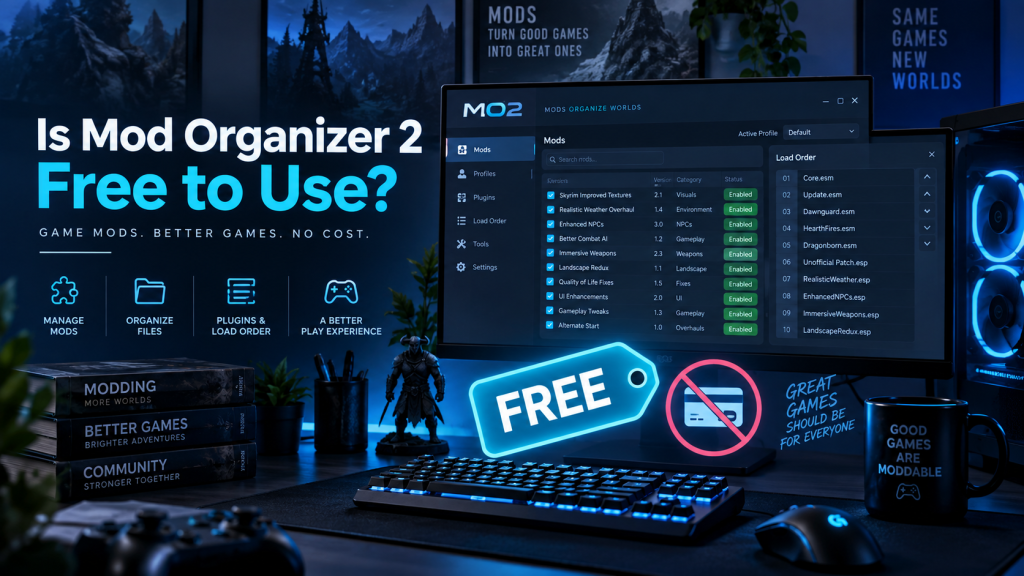
Mod Organizer 2, commonly called MO2, is a popular mod management tool designed for PC gamers who want greater control over game modifications. It is especially well known among players of Bethesda titles such as Skyrim Special Edition and Fallout 4.
One major reason behind its popularity is accessibility. Users can download, install, and use Mod Organizer 2 without purchasing a subscription or software license. The project is also open source and actively maintained by its development community.
Read More: How Do I Download Mod Organizer 2?
Is Mod Organizer 2 Completely Free?
Yes, Mod Organizer 2 is free to download and use. The official project describes MO2 as a free, open-source project maintained through community contributions. Users do not need to purchase a premium edition to unlock its main mod-management capabilities.
Its source code is publicly available through the official Mod Organizer 2 GitHub organization, where developers maintain the application and related components.
This approach makes MO2 attractive for users who want a powerful mod manager without recurring payments.
What Does Free Use Include?
The free version is essentially the complete Mod Organizer 2 application rather than a restricted trial.
Users receive access to features such as:
- Mod installation and removal
- Separate game profiles
- Virtual file management
- Mod priority organization
- Plugin management
- Conflict visibility
- Portable installation options
- Support for numerous PC games
MO2 was specifically created to make installing, testing, enabling, disabling, and removing large collections of mods easier and more reliable.
Why Mod Organizer 2 Costs Nothing
Mod Organizer 2 follows an open-source development model. Instead of operating like commercial software requiring a paid license, development comes from contributors who improve code, fix bugs, maintain documentation, and support the community.
The development team explicitly describes MO2 as a free, open-source project that depends on people contributing their time toward improvements and fixes.
Open development also gives technically experienced users the opportunity to inspect the source code or participate in development.
How to Download Mod Organizer 2 for Free
Getting MO2 is straightforward when using trusted official sources.
- Visit the official Mod Organizer 2 GitHub project or its recognized Nexus Mods page.
- Find the current stable release suitable for your system.
- Download the installer or archive version.
- Run the installer and choose the preferred installation configuration.
- Select a supported game and configure the required directories.
- Begin adding and organizing mods through the MO2 interface.
The official documentation states that MO2 can be downloaded through GitHub or Nexus Mods and generally recommends the installer for easier setup.
Does Mod Organizer 2 Require a Paid Nexus Mods Account?
Mod Organizer 2 itself does not require a paid subscription.
However, many users download game mods from Nexus Mods. Any separate limitations, optional premium services, or account features offered by a third-party mod hosting platform should not be confused with MO2’s own pricing.
In simple terms, paying for another service does not turn Mod Organizer 2 into paid software.
Main Benefits of Using Mod Organizer 2
MO2 offers several advantages for gamers who frequently test different mods and configurations.
Key benefits include:
- Original game folders remain easier to manage
- Mods can be activated or disabled conveniently
- Separate profiles allow different mod configurations
- Conflicts between files become easier to investigate
- Large mod collections can remain organized
- Removing experimental mods becomes simpler
- Community development provides continued improvements
Its virtualized mod-management approach is particularly useful for users who regularly change mod setups instead of maintaining one permanent configuration.
Does Mod Organizer 2 Have Premium Features?
Mod Organizer 2 does not follow the common freemium model where important functions remain locked behind paid plans.
Users can access its core functionality without upgrading to a premium MO2 package. There is no standard paid “Pro” edition required for advanced mod organization.
That makes the software suitable for beginners as well as experienced modders managing complicated setups.
Is Mod Organizer 2 Open Source?
Yes. The official Mod Organizer 2 development repositories are publicly available, and the main repository is licensed under GPL-3.0.
Open-source development allows contributors to participate in improving the application while giving the community greater visibility into ongoing development.
The project has continued receiving updates, demonstrating that free software can still receive substantial community maintenance and technical improvements.
Is Mod Organizer 2 Safe to Download?
MO2 should be downloaded from recognized official sources, particularly its official GitHub releases or its established Nexus Mods distribution.
Avoid unfamiliar websites offering modified installers, cracked packages, or repackaged downloads. Since the legitimate application is already free, there is no practical reason to search for cracked versions.
Using trusted sources also reduces the risk of receiving outdated, modified, or potentially harmful files.
Mod Organizer 2 Versus Paid Mod Managers
A higher price does not automatically mean better mod management.
MO2 provides advanced organization capabilities without charging users. Its profile management, virtualized file handling, conflict management, and extensive customization make it competitive with many commercial utilities.
The main consideration is usability. MO2 can initially appear complicated because it gives users considerable control over their mod configurations. New users may need some time to understand load order, file priority, plugins, profiles, and virtual file management.
Once these concepts become familiar, MO2 can provide an efficient environment for maintaining complex mod installations.
Who Should Use Mod Organizer 2?
Mod Organizer 2 is particularly useful for gamers who install many mods or frequently experiment with different configurations.
It can work well for Skyrim and Fallout players, mod testers, advanced modding enthusiasts, and users who want greater control over installation order and conflicts.
Beginners can also use MO2, although learning the interface and core modding concepts before installing hundreds of modifications is advisable.
Conclusion
Mod Organizer 2 is free to download and use, with no mandatory premium subscription required for its main functionality. Its open-source development model gives gamers access to powerful mod-management features without paying for a commercial software license.Users can organize mods, manage profiles, investigate conflicts, control plugin setups, and experiment with different game configurations from one application.
For gamers who regularly modify supported PC games, MO2 offers a powerful combination of flexibility, control, and zero software cost.Downloading it from official sources remains important for obtaining legitimate, current releases and avoiding potentially unsafe third-party copies.
Pingback: How Do I Install Mod Organizer 2?